Deploying Matomo with Docker - A Self-Hosted Web Analytics System
Preview
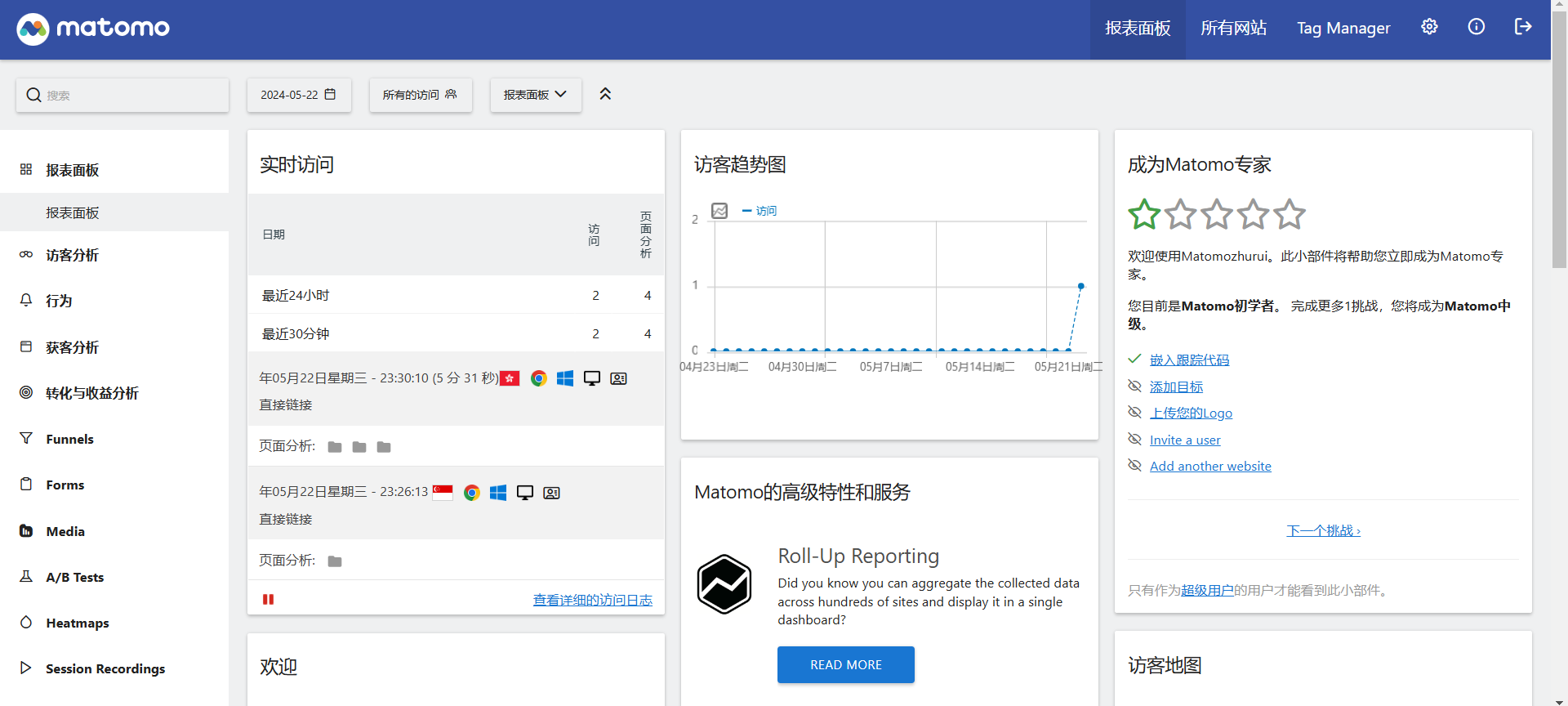
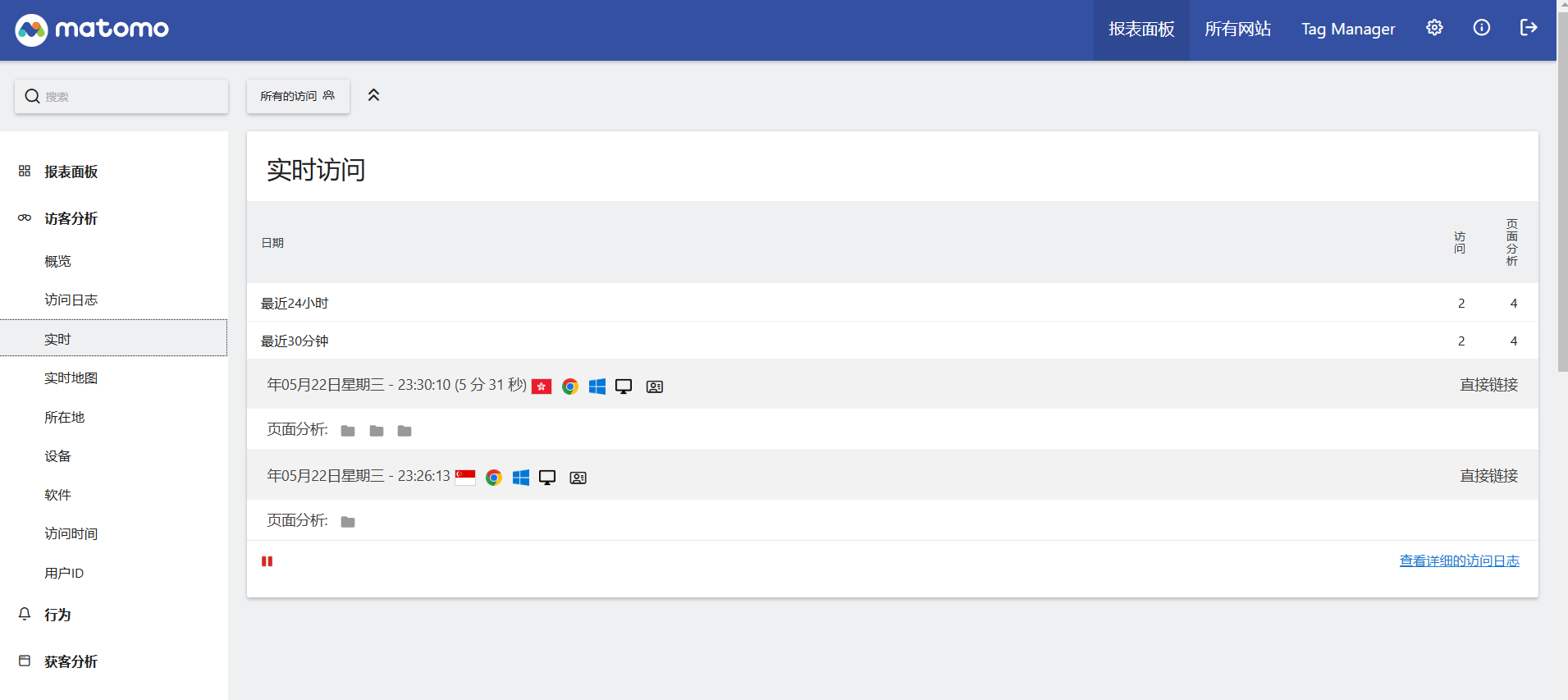
Deployment Tutorial Create the installation directory on the VPS:
mkdir -p /opt/matomo
cd /opt/matomo
nano docker-compose.yml
Fill docker-compose.yml with the following content and save:
YAML
version: "3"

services:
  db:
    image: mariadb
    command: --max-allowed-packet=64MB
    restart: always
    volumes:
      - db:/var/lib/mysql
    environment:
      - MYSQL_ROOT_PASSWORD=ROOT_PASSWORD
    env_file:
      - ./db.env

  app:
    image: matomo
    restart: always
    volumes:
#     - ./config:/var/www/html/config
#     - ./logs:/var/www/html/logs
      - /opt/matomo/matomo/www/html:/var/www/html
    environment:
      - MATOMO_DATABASE_HOST=db
    env_file:
      - ./db.env
    ports:
      - 8080:80
      - 8443:443
volumes:
  db:
  matomo:
Then continue running:
nano db.env
Fill db.env with the following content and save:
MYSQL_PASSWORD=ROOT_PASSWORD
MYSQL_DATABASE=matomo
MYSQL_USER=matomo
MATOMO_DATABASE_ADAPTER=mysql
MATOMO_DATABASE_TABLES_PREFIX=matomo_
MATOMO_DATABASE_USERNAME=matomo
MATOMO_DATABASE_PASSWORD=ROOT_PASSWORD
MATOMO_DATABASE_DBNAME=matomo
Finally, run:
docker-compose up -d
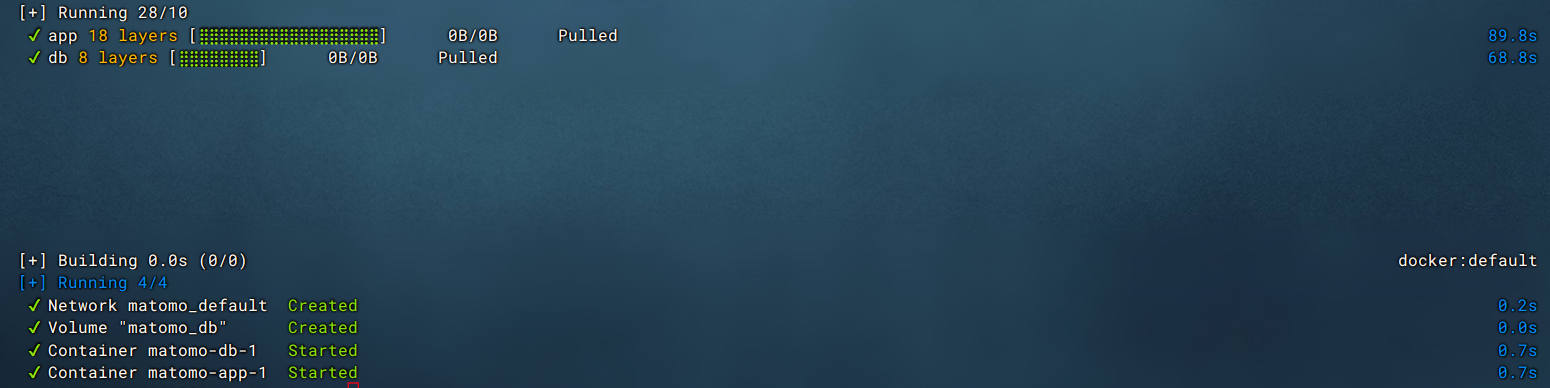
After the Docker container is created, access: http://SERVER_IP:8080 (the port number mapped to the HOST in the text above). If you enter the installation process, the setup was successful. If you cannot access it, please check if the port number mapped to the HOST (in the text above) is open in your firewall.
Comments